Scan the asset QR code, record the maintenance job with photos and signature, and keep working with no signal: the app uploads it when the connection is back.
The app serves every company that uses BioMantenimiento. So before your user, you tell it which one you belong to with the license tax ID (NIT).
1
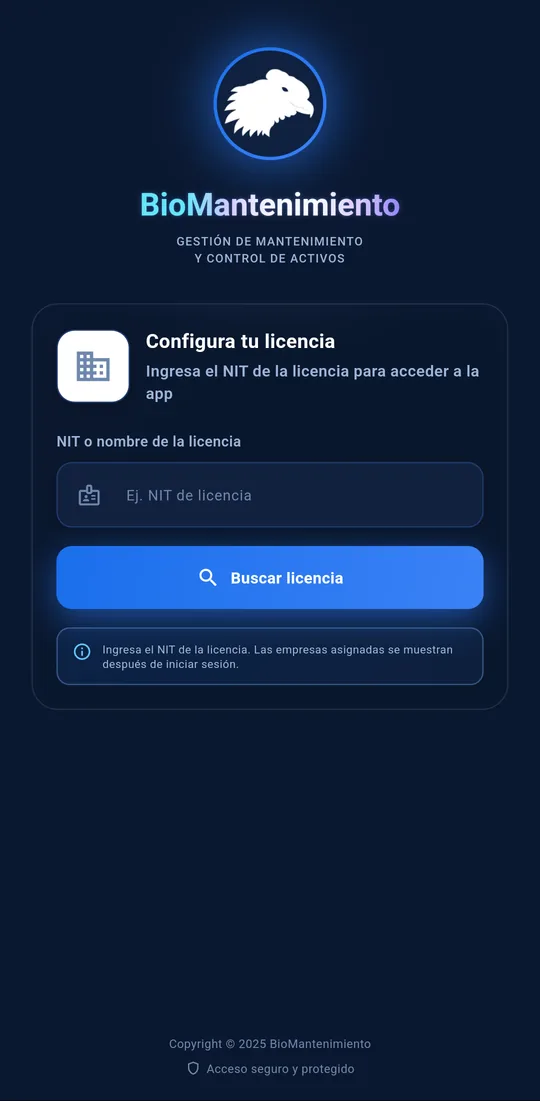
Find the license
Type your company's license NIT and tap Buscar licencia (Find license).
2
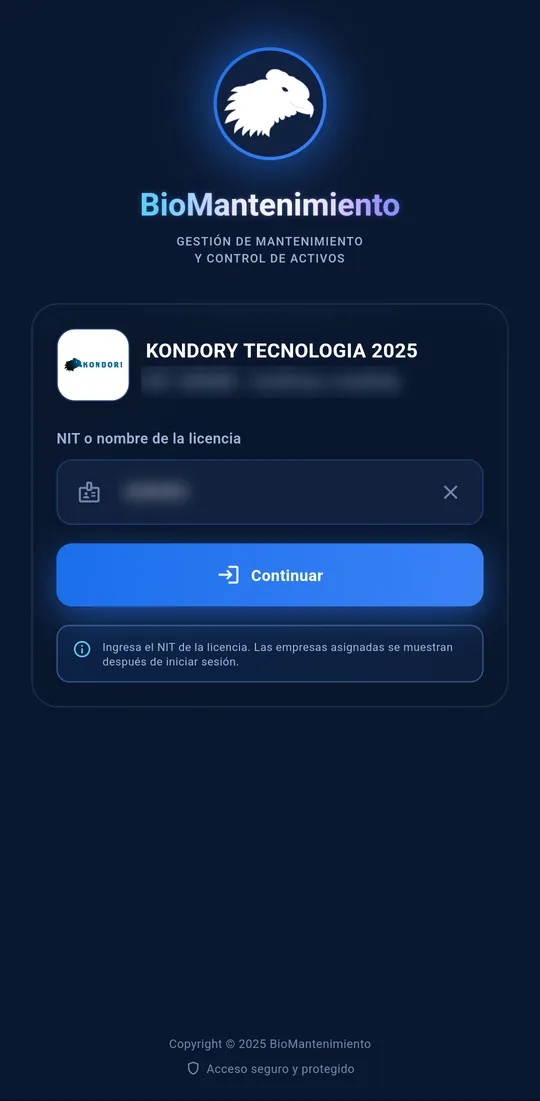
Confirm your company
The app shows the company logo and name. If it is yours, tap Continuar (Continue).
3
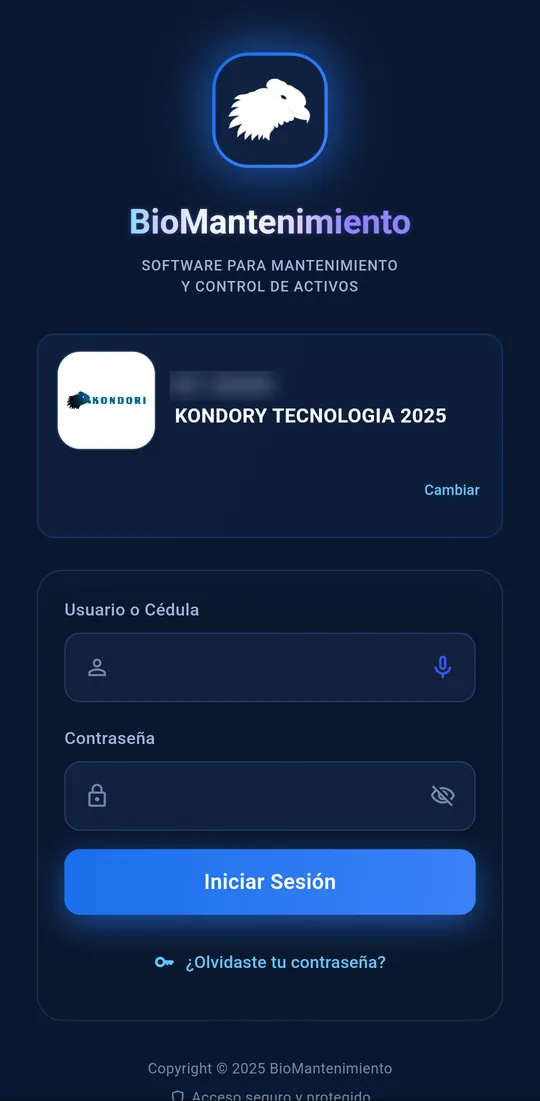
Sign in with your user
Type your user or ID number and your password, and tap Iniciar sesión (Sign in).
Which NIT do I type?
The license one: the company that hired BioMantenimiento and created your user. Not a client you service. If you don't know it, ask your administrator.
Only the first time
The license stays saved on the phone. Next time the app opens straight on the sign-in screen; tap Cambiar (Change) to pick another one.
Forgot your password?
Tap ¿Olvidaste tu contraseña? (Forgot your password?) on the sign-in screen to recover it.
If it says access is paused
Your details are fine: your company's license is being renewed. Let your administrator know; once it is renewed, access comes back on its own.
What you do in the app
Field work, from your phone
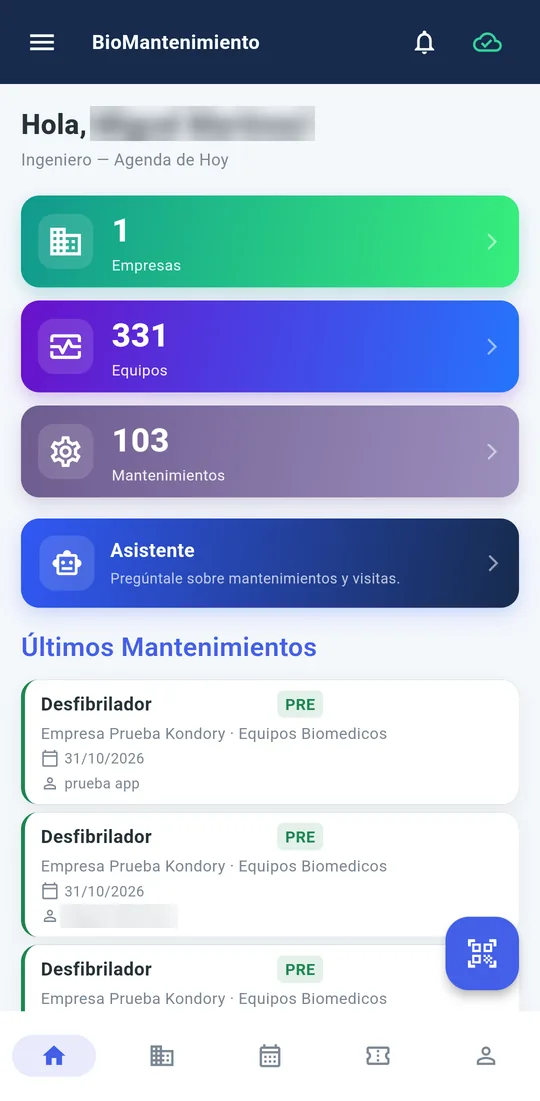
What you record in the app lands in the web platform: in the asset record, in the report and in the schedule.
Works offline
No signal? The job is recorded anyway
In a basement, a plant or a rural area, the technician does not have to wait for coverage. What they record is saved on the phone and the app uploads it to the platform on its own, even in the background.
Record the maintenance job offline
It is saved on the phone, with its status in view
It uploads on its own when the signal is back
Evidence photos do need a connection.
QR scanner
Reads the asset label and opens its record with the history.
Maintenance jobs
Preventive, corrective, diagnosis, warranty, installation and decommissioning, with each asset's checklist.
Evidence
Before and after photos, with location and a comment.
Signature
Sign the maintenance record on the phone screen.
Visit schedule
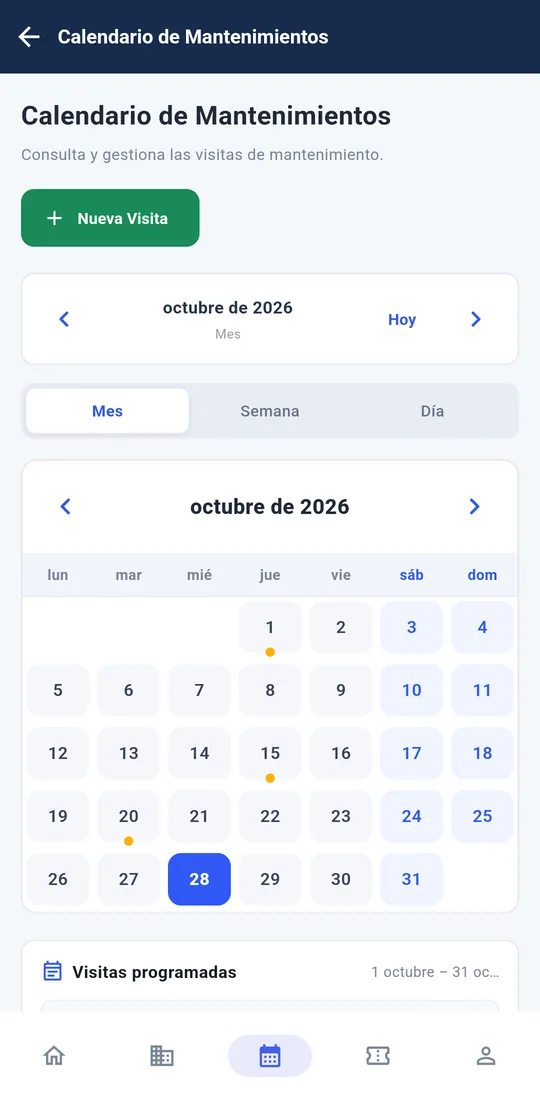
Scheduled visits by month and by day, with the status of each one.
Tickets and notifications
The tickets assigned to you and the platform alerts, in one place.
The license tax ID (NIT), that is, the company that hired BioMantenimiento and created your user, not a client you service. If the app says it could not find the license, confirm the NIT with your company administrator.
Technicians of companies that use BioMantenimiento. You sign in with the user your company administrator creates for you; if you don't have one yet, ask them.
Android phones with Android 7.0 or later. It uses the camera to scan QR codes and take evidence photos, and GPS for the evidence location.
Yes. With no signal, the maintenance job is saved on the phone and the app uploads it on its own when the connection is back, even in the background; each record shows whether it was uploaded. Offline you can also check what you last loaded. Only evidence photos need internet.
Download the file again from this page and install it. The new version installs over the previous one, without uninstalling anything.
Yes, if you download it from this page. The app is published by Kondory Tecnología S.A.S, and your session is stored encrypted in the phone's secure storage.
We show you the platform with equipment like yours
A video call with someone from our team. Tell us what equipment you manage and we will show you how your operation would look in BioMantenimiento.